|
frequently asked questions
Change can be confusing and even a little uneasy — we totally get it. We've tried to anticipate some of the more common questions and concerns you might have about the updated website with answers below to help ease the transition.
Where do I see the schedule and book my classes now?
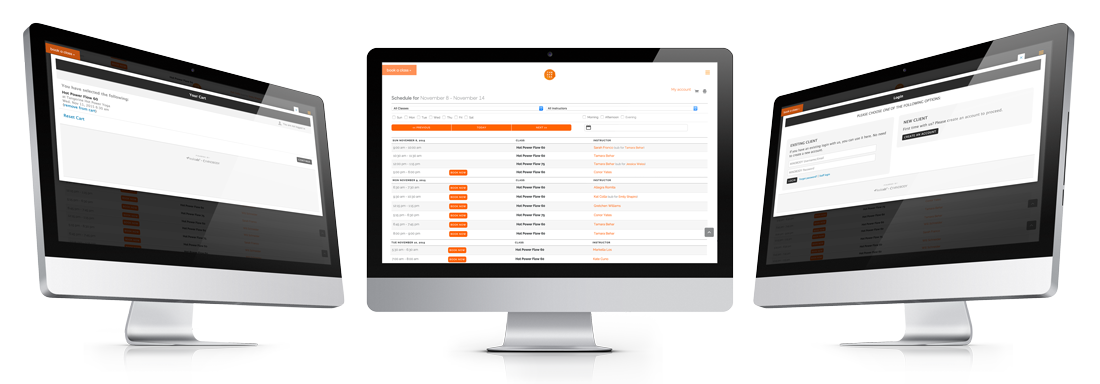
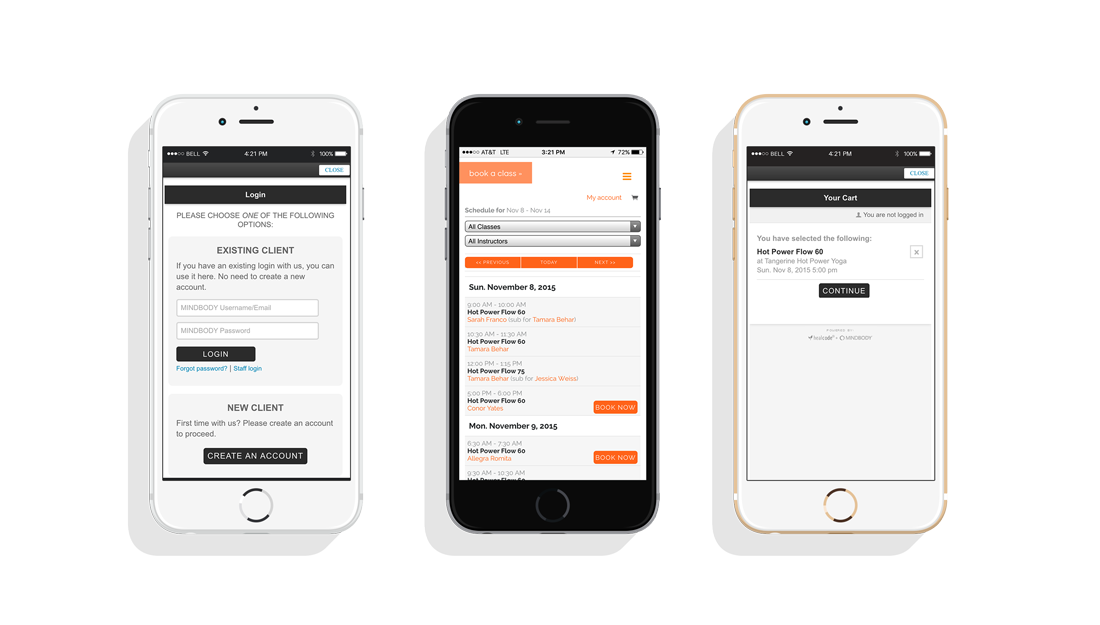
Now, when you go to tangerinehotpoweryoga.com, the "Book a Class" button in the top left, as well as the "schedule" link in the right-side navigation will take you straight to the embedded Class Schedule on our website. Or, you can save this page in your bookmarks or on your mobile desktop and go straight to the page: http://www.tangerinehotpoweryoga.com/classes/
Can I still use the MINDBODY Online website and app?
Absolutely. Tangerine Hot Power Yoga is still accessible via MINDBODY Online, so if you prefer, you can head straight there and keep doing business as usual. Just search "Tangerine Hot Power Yoga" online or on the app.
Where / how do I sign into my account?
On our website, simply click the menu icon and then "login / register" and you will be prompted to login. You may also navigate directly to a class or event and choose to sign up, and if you're not logged in already, you'll be prompted to do so before checkout.
What if I want to book an in-class or at-home private session?
Same as before — just email (hello@thpyoga.com) or call (718-855-8622) the studio, and we'll get you all set up.
Can I cancel a class or see my waitlist status from your website?
You sure can. Just click on the menu icon and then "login / register" to access your profile and account. You'll also be able to make payments, sign up for events and workshops, change your profile information, view your schedule and past visits, and see your purchase history and account balance.
|